Guides, how-tos and the ideas behind Spryly.
Step-by-step walkthroughs for every card type, plus a few explainers on QR codes and the things you can do with them.

How to Create an Event, Collect RSVPs and Download Your Guest List
A step-by-step guide to event cards: invite guests with a QR code or link, collect RSVPs, check responses and download your guest list.

Analyzing Collected Data with AI
Spryly's Data Collections can now be analyzed by OpenAI's ChatGPT. Available to PRO and Enterprise customers.

Collecting Data
Create data sets and easily collect data from your users to support surveys, check-ins, inspections and more.
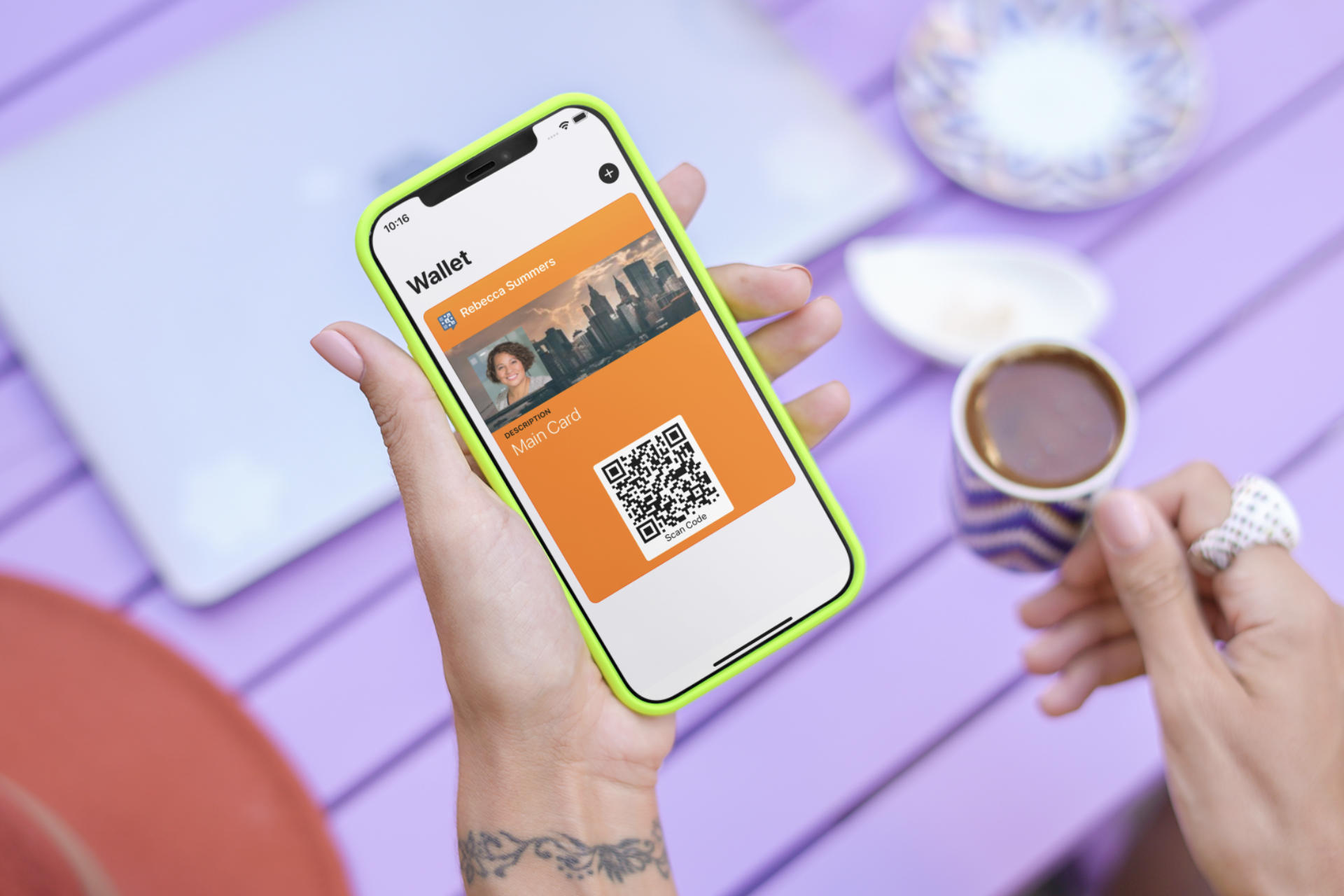
Apple Wallet Support
Sharing your Spryly cards just got a whole lot easier with Apple Wallet Support.
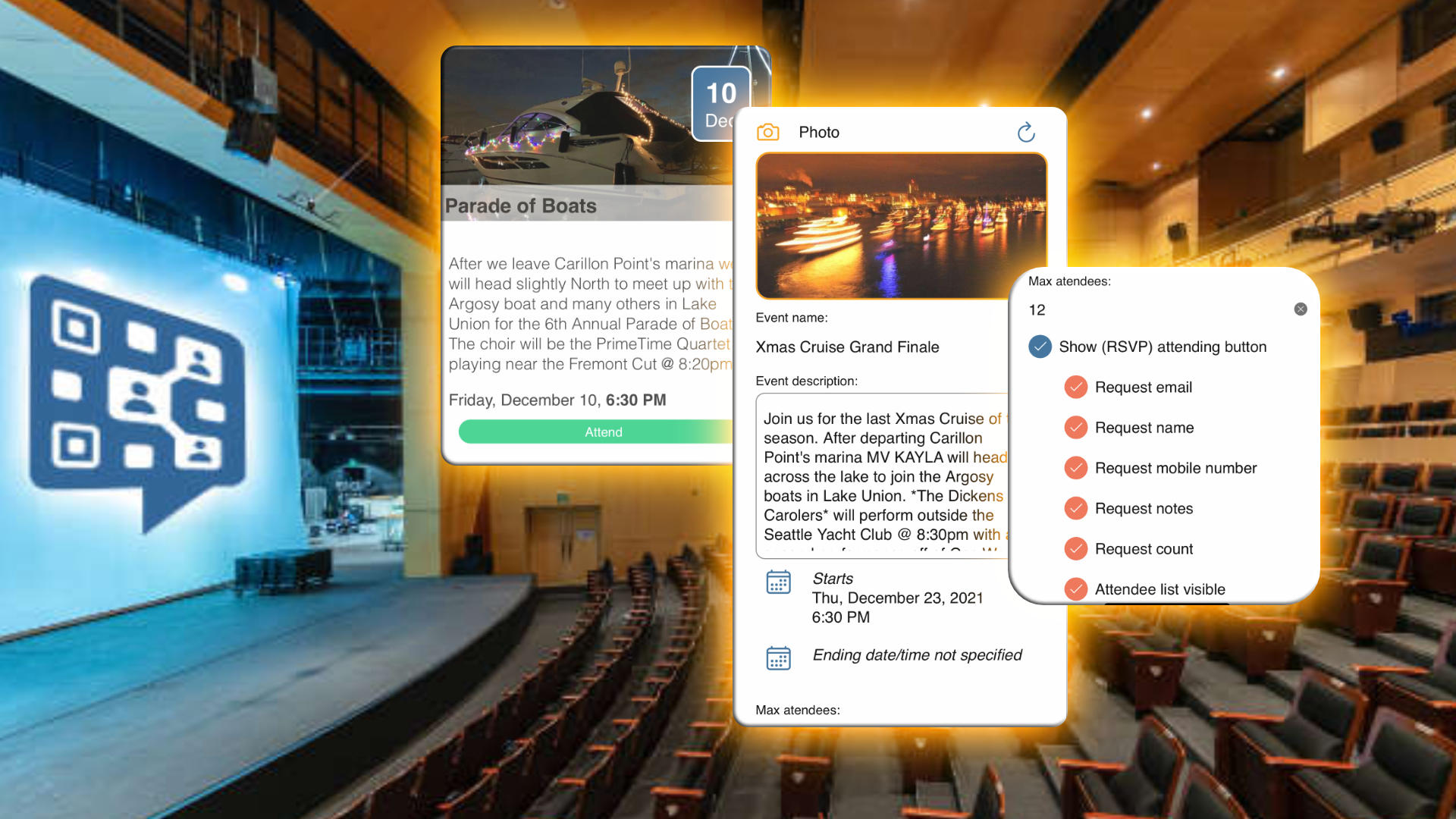
Creating Events
Creating and scheduling has never been easier with Spryly Events. Available to PRO level subscribers.
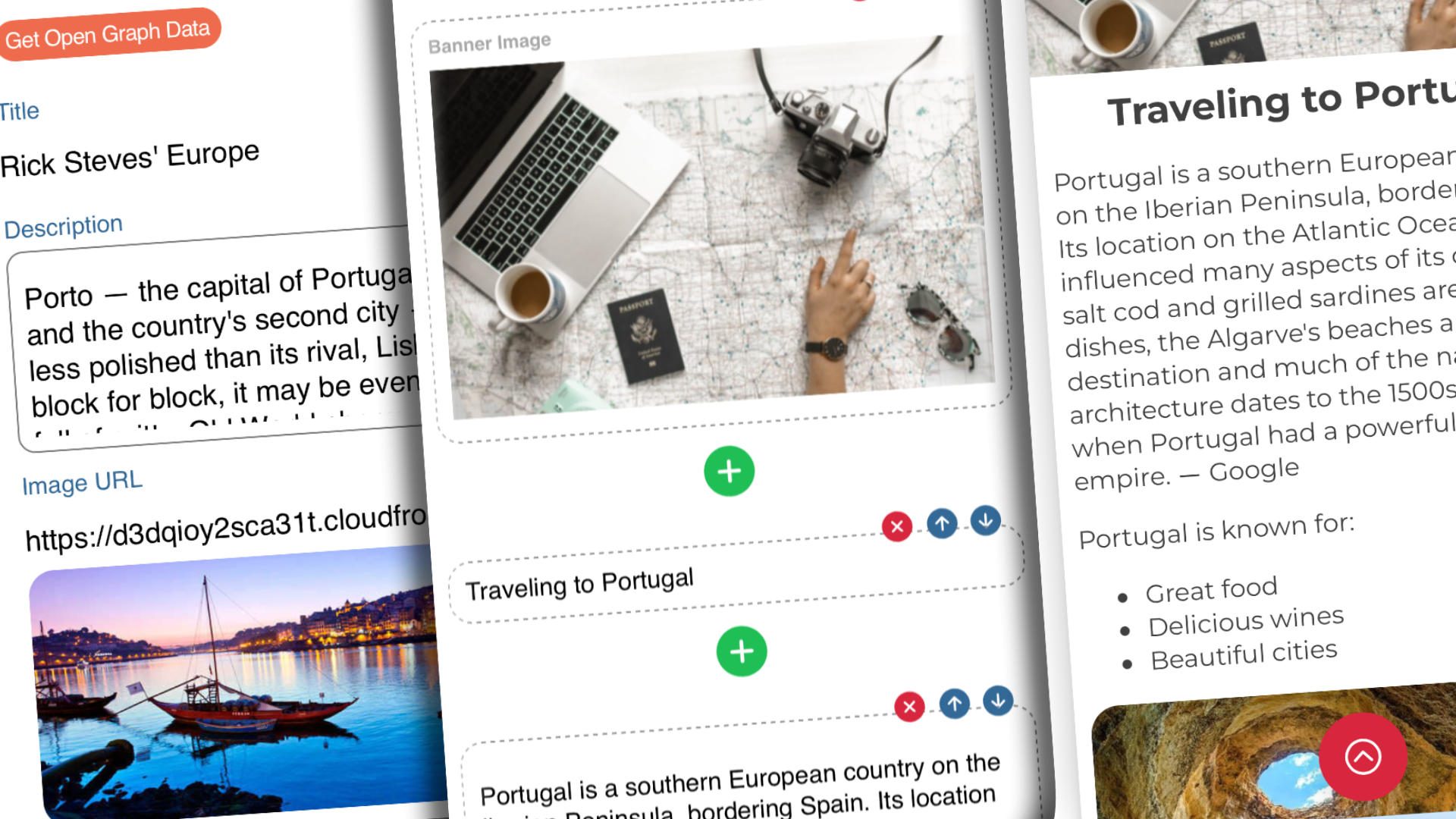
Introducing Story Cards
Spryly Story Cards can contain multiple titles, images, videos, content elements, web links and events.

Create Scannable Luggage Tags
Ready to pack your bags and start your vacation? You'll want to create a QR code for your luggage to help lost bags get returned quickly.
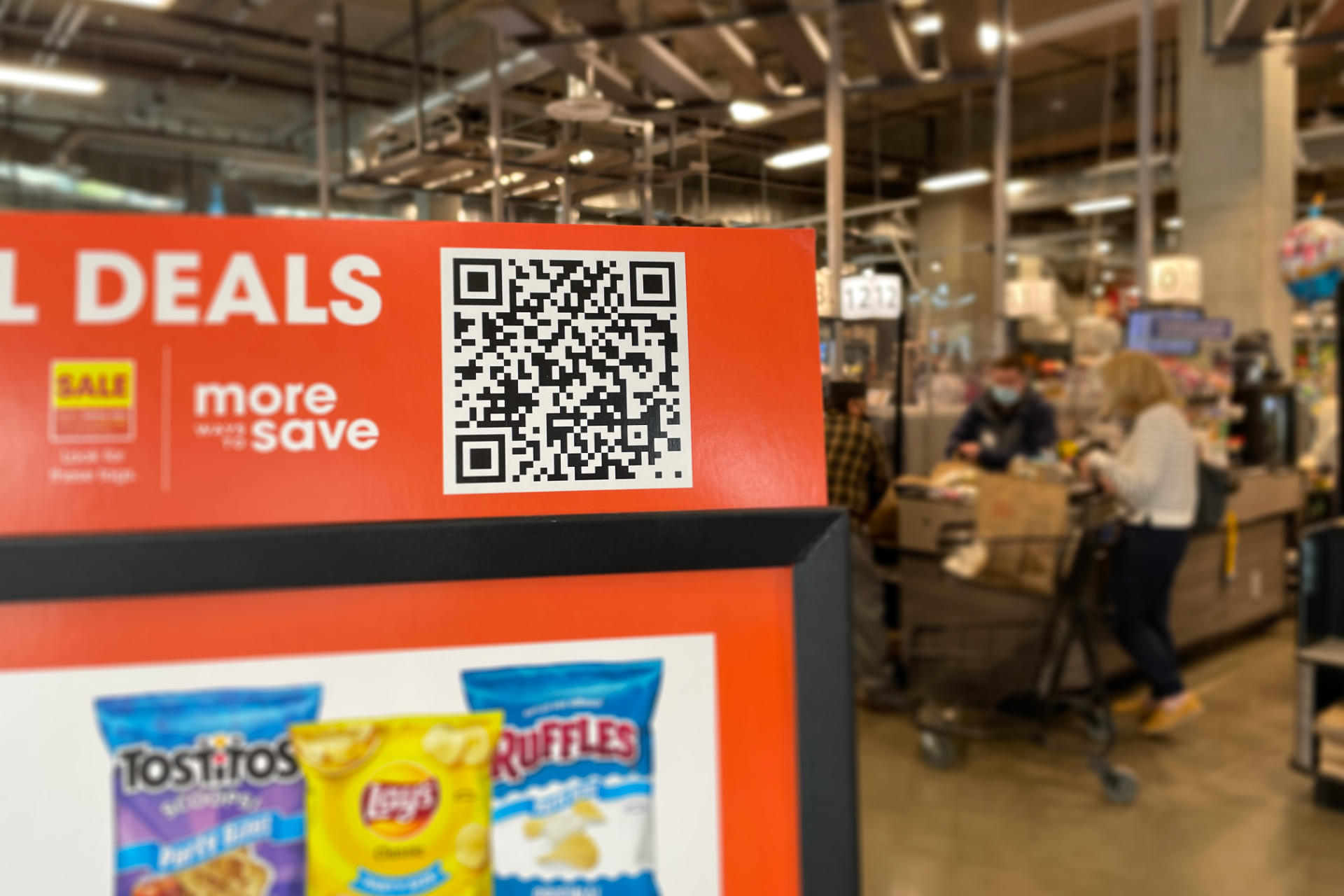
What are QR Codes?
You've seen them everywhere! From store-front signs to stickers and table-top menu links to advertising posters, QR codes are appearing everywhere. What are they, and why are they so popular?

Creating a Digital Vaccine Card
While many parts of the world have been quick to create digital vaccine apps, the US has largely continued to rely upon paper cards. Spryly bridges that gap!
Make your first card
in about a minute.
Free on iPhone, Android and the web. Every new account starts with 15 days of PRO.