1Contact cards
Everything about you. One scan.
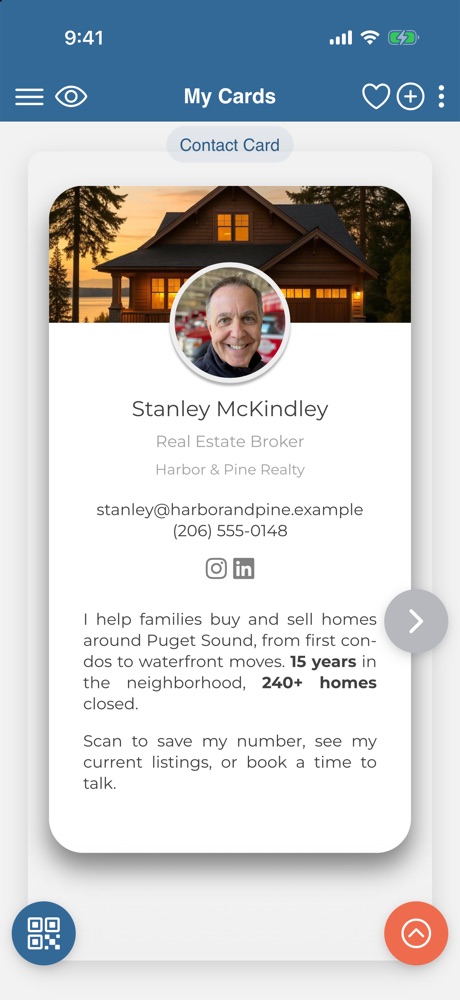
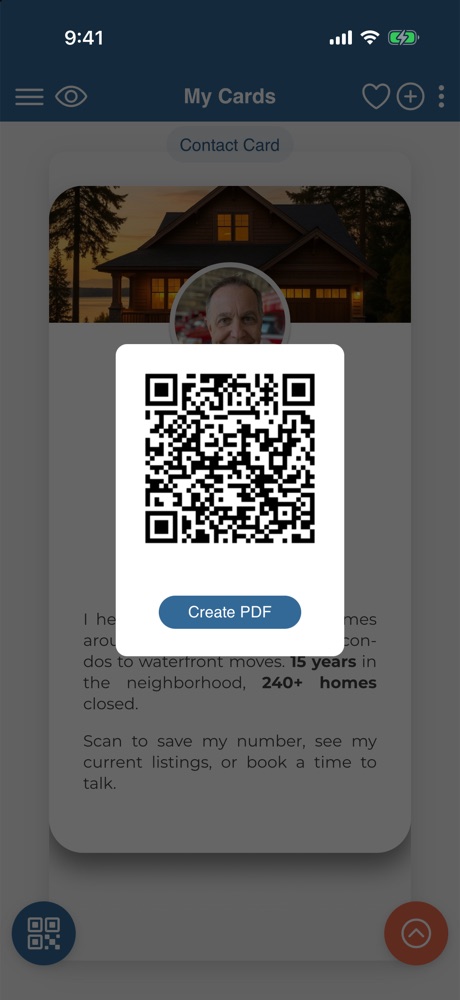
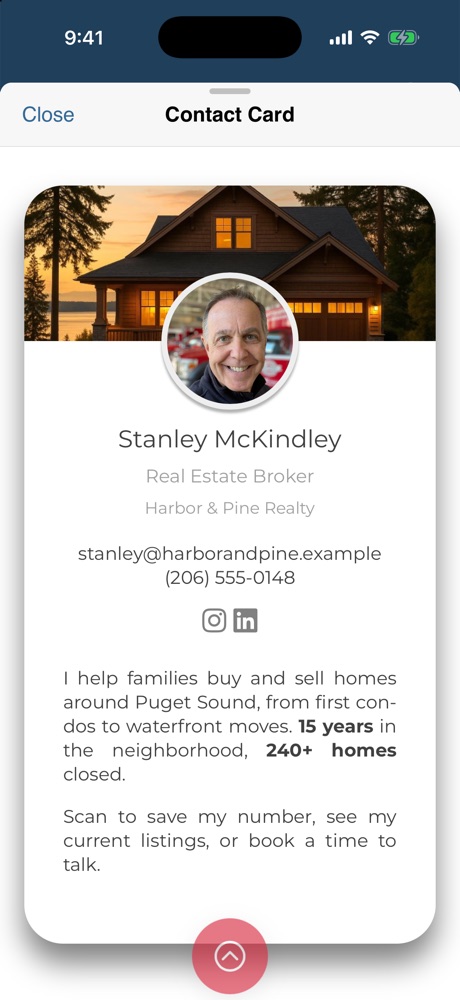
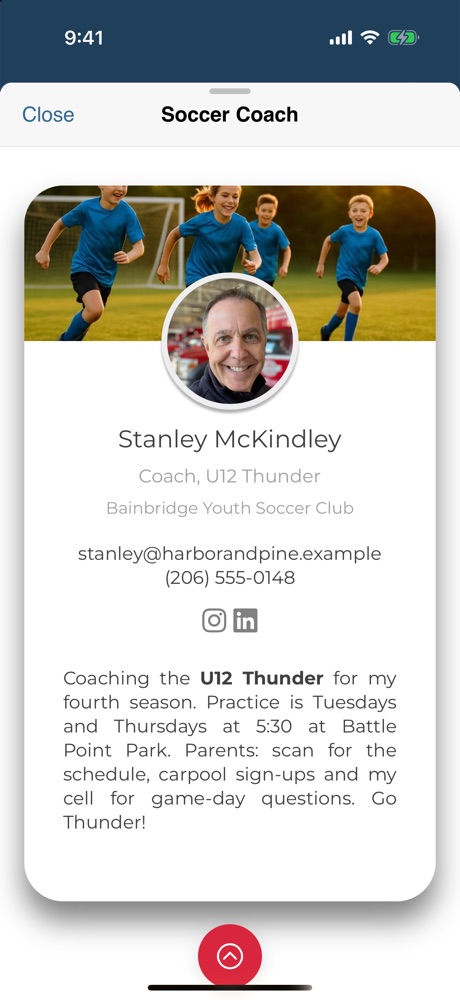
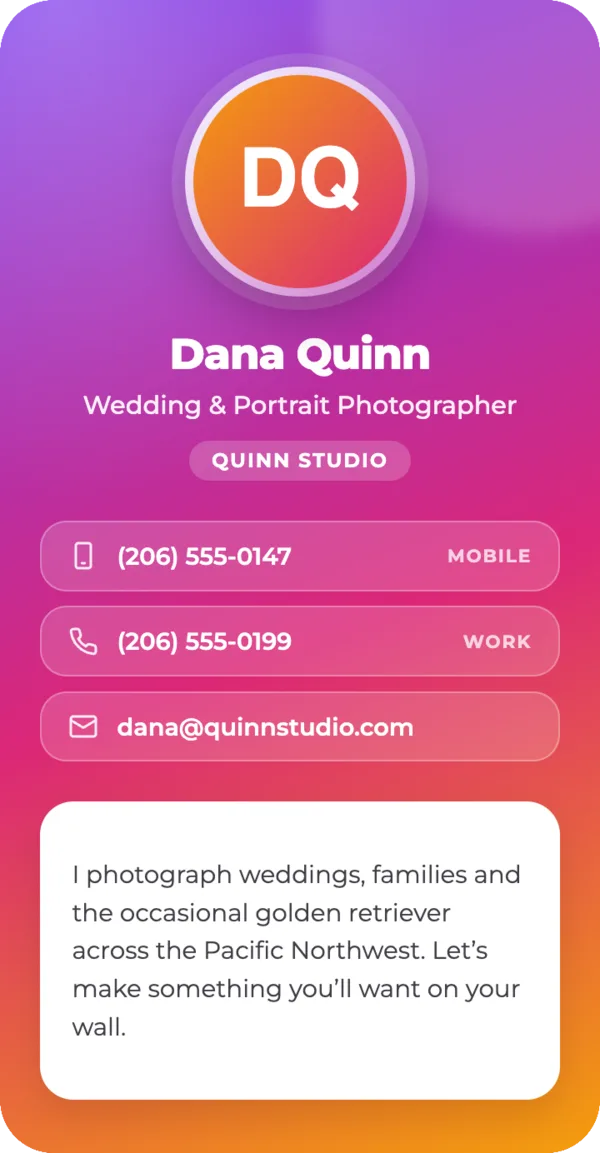
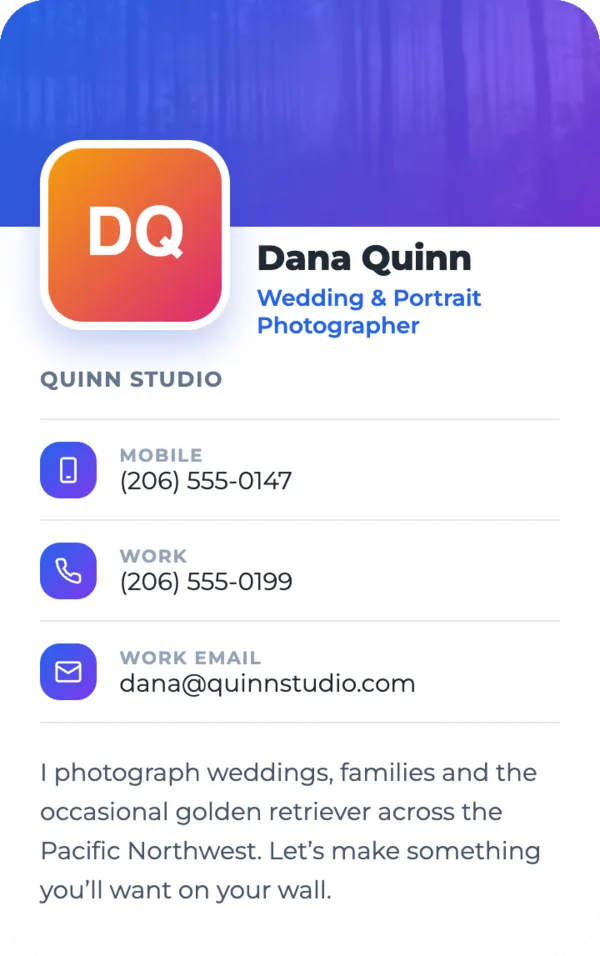
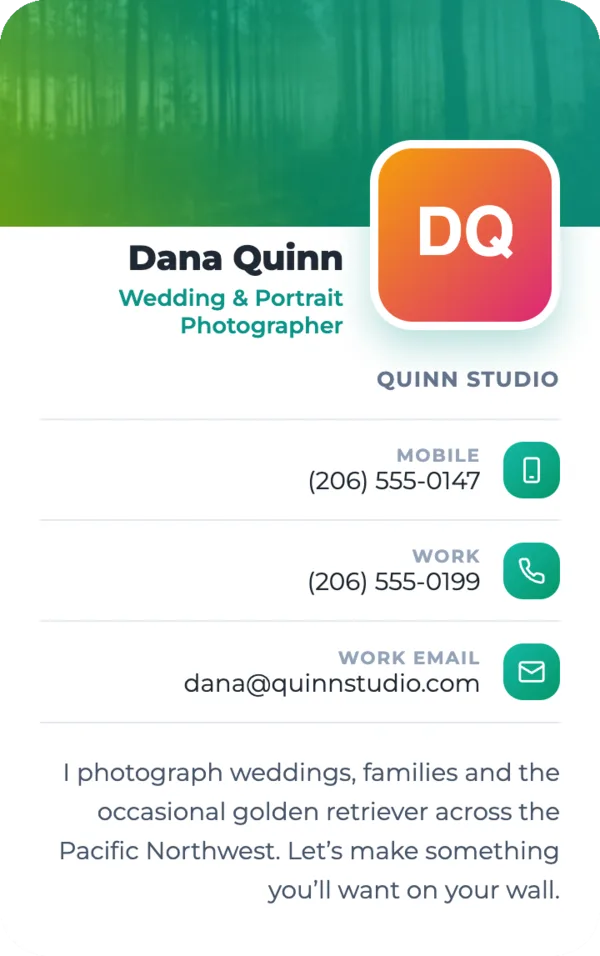
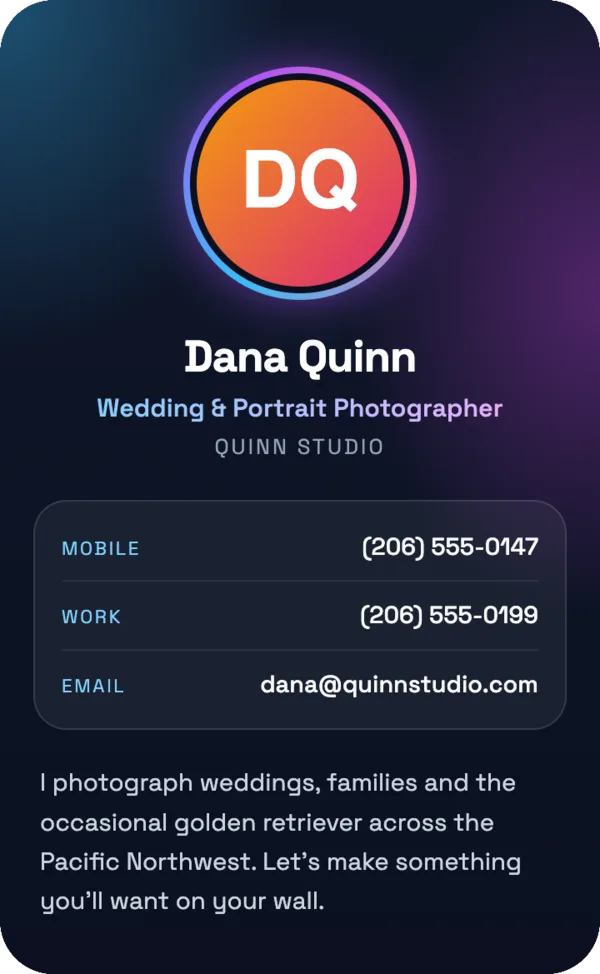
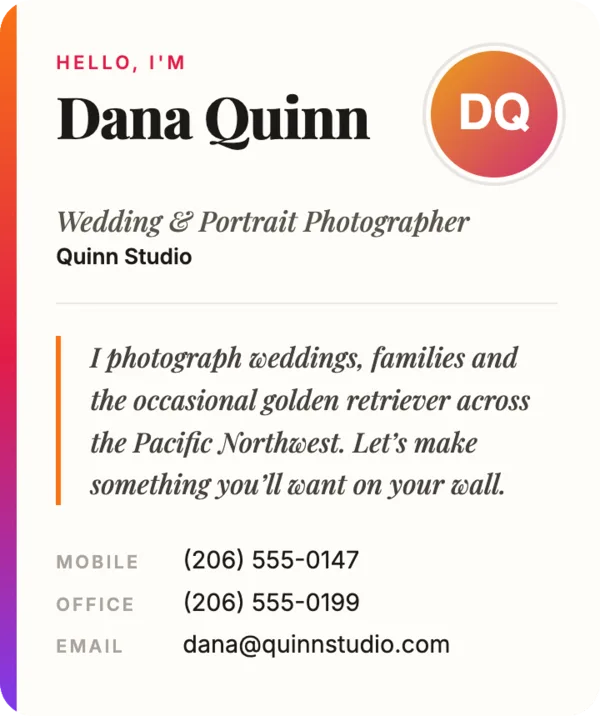
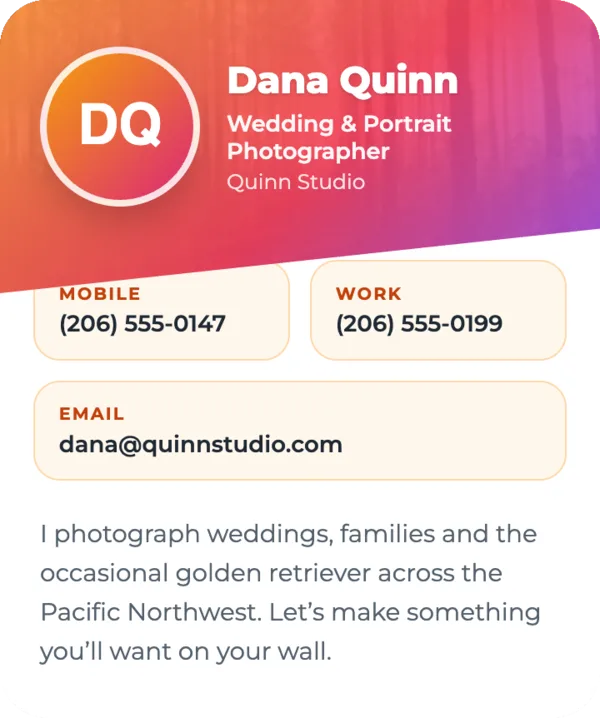
Your photo, title, phone numbers, emails, addresses, website and social profiles on one card. They point their camera at your code, tap once, and you're in their contacts.
- Edit once — every shared link and printed code shows the change
- Add it to Apple Wallet and show it from your lock screen
- Hide your phone number and take messages instead
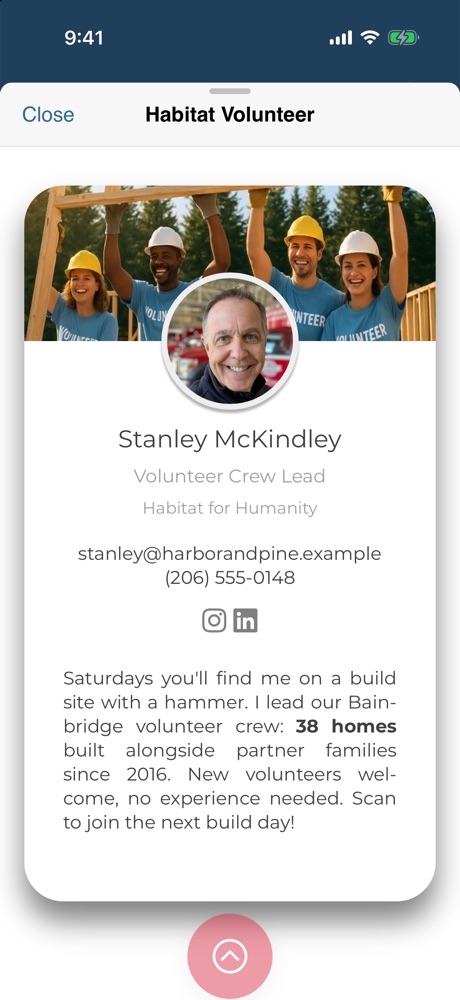
- Separate cards for work, side projects and family
- Seven designs to choose from, from bold gradients to dark mode
2Story cards
When a card isn't enough, tell the story.
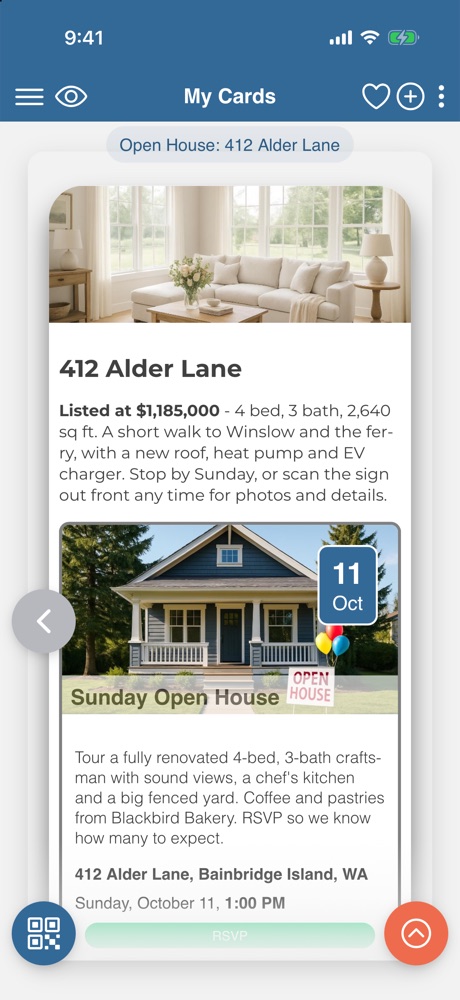
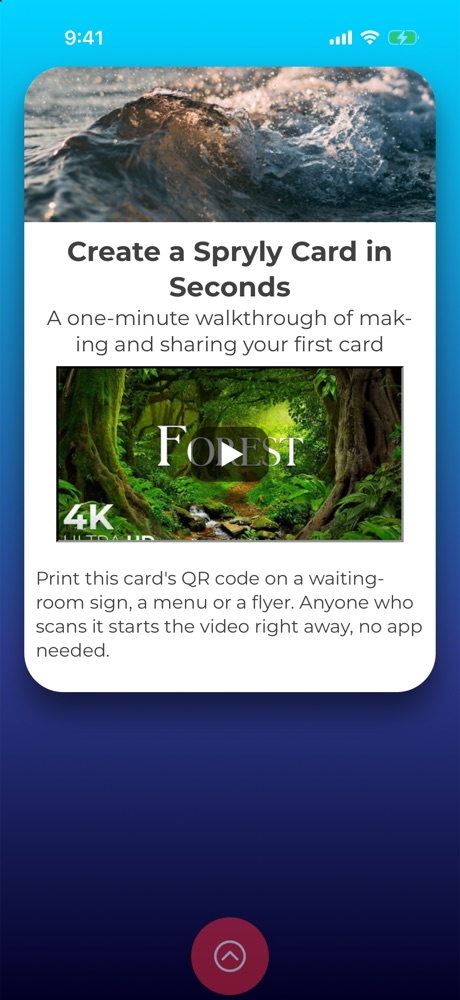
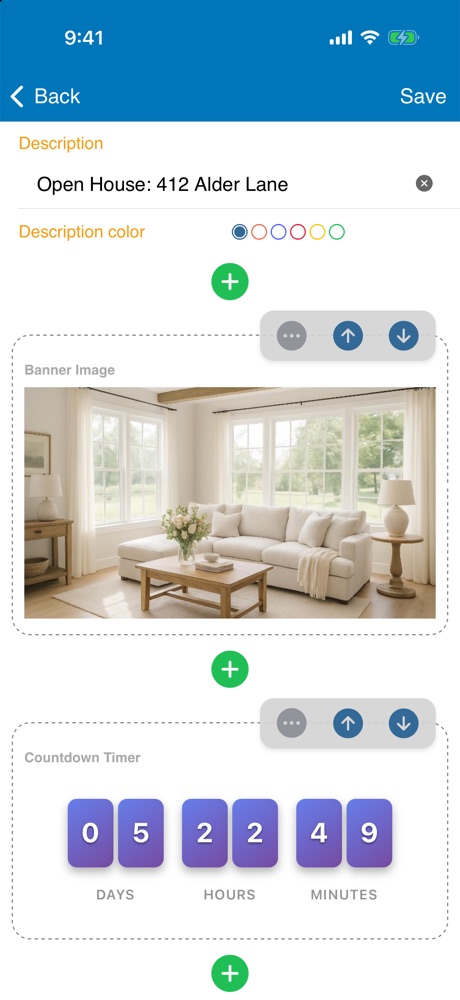
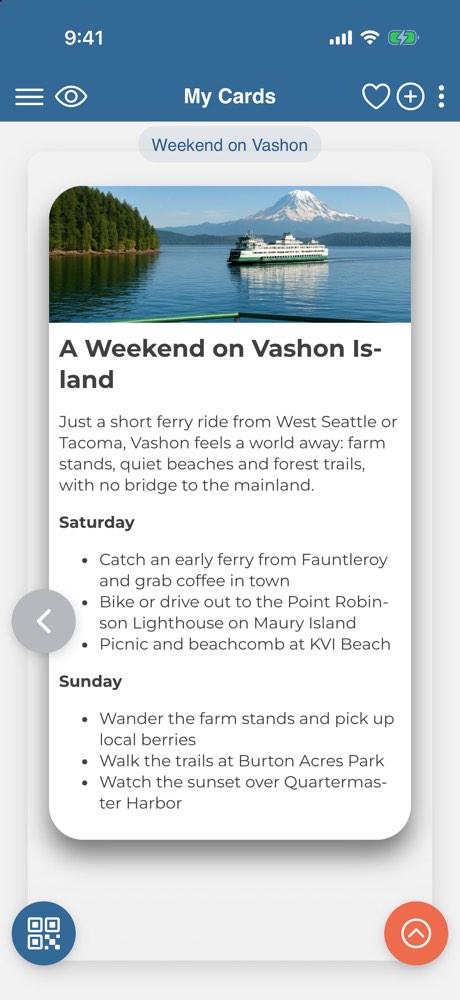
A story card is a scrolling page you build on your phone, block by block. Use it for a listing, a product, a team, a menu or a trip — anything that needs more room than a contact card.
- Formatted text, zoomable photos and YouTube or Vimeo video
- Add a poll and watch the votes come in
- Describe a banner in a sentence and let AI create it
3Events
Turn a scan into an RSVP.
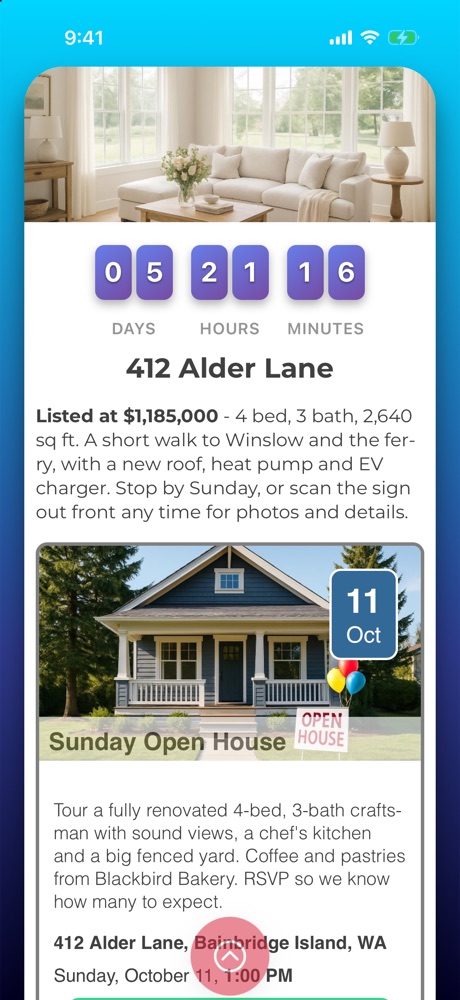
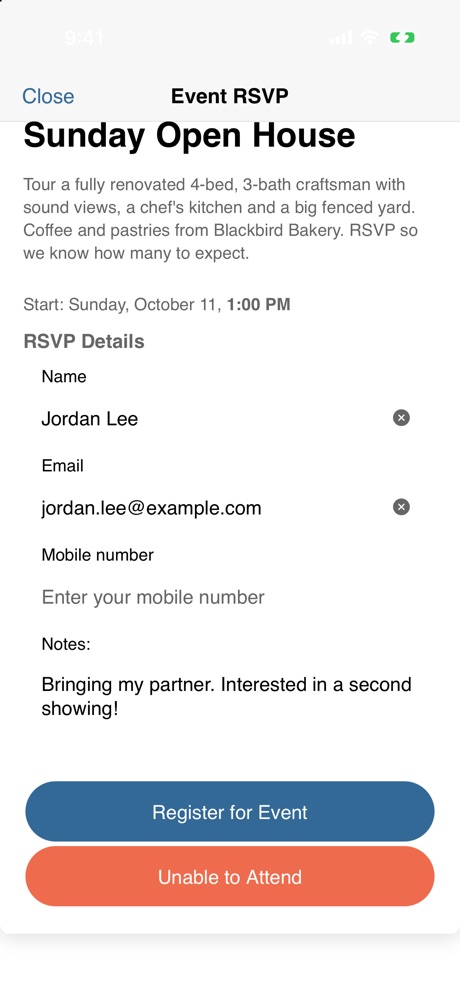
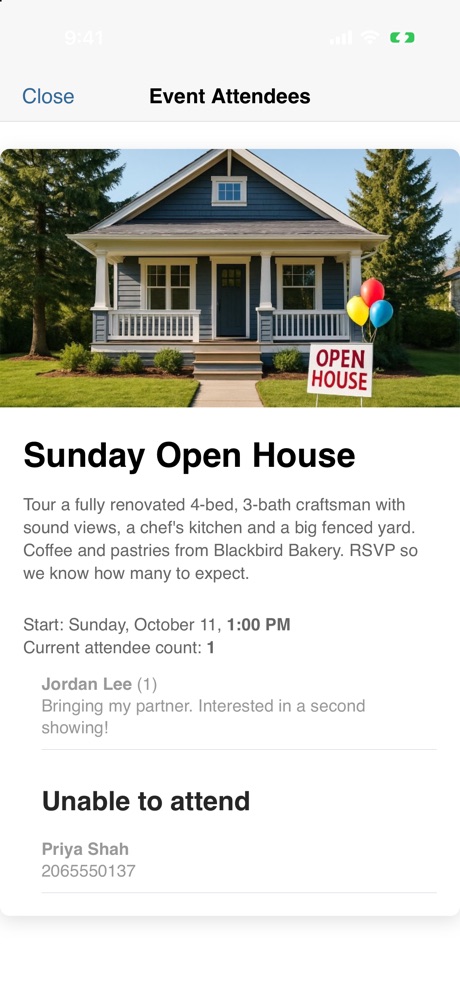
Put an event on a story card and its QR code on your flyer, slide or table tent. Guests read the details and RSVP right there — no account, no app, no email chain.
- Attendee limits and party sizes
- Add to Apple, Google or Outlook calendars in one tap
- A live countdown to the start time
- Public or private guest list, exportable to CSV
4Capture data
Ask. Collect. Let AI read the answers.
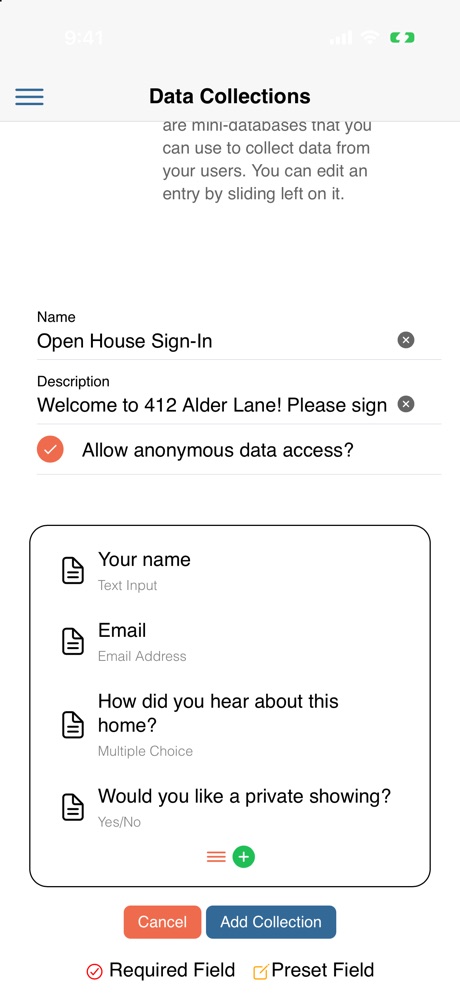
Design a form in the app — text, choices, yes/no, email, phone, number, date — and share it by QR code or inside a story card. Responses arrive as people submit them.
- Sign-ins, surveys, inspections, logs and sign-up sheets
- Anonymous responses, limits and closing dates
- Export to CSV whenever you like
5Connections
Meet someone. Scan. Connected.
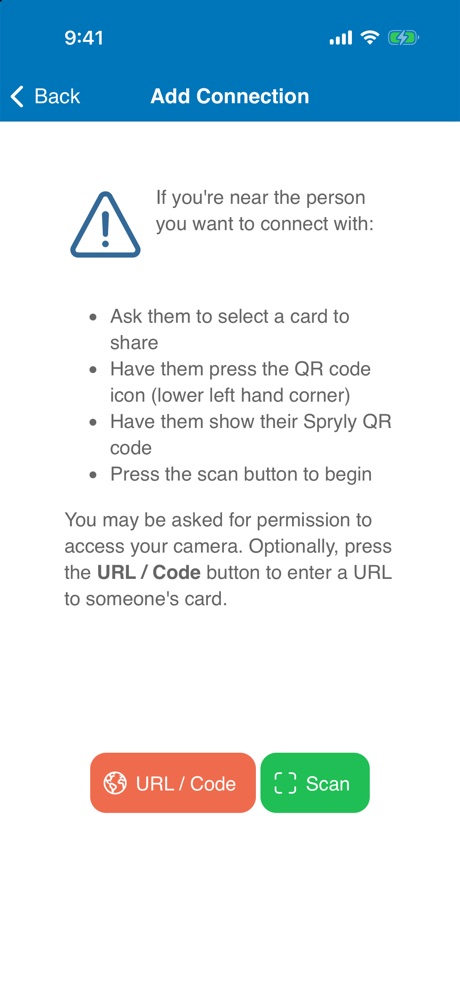
When the other person uses Spryly too, scan each other's code and you're connected. Their card lands in your connections, tagged with where you met, with a direct line for messages.
- Search your connections by name or where you met
- Message each other inside the app
- Save any card as a contact, tagged with the date and place